Create a website
How you may create and edit a website on MyTV.global website builder
Creating a website has become quick and easy with the help of our MyTv.global website builder.
No matter what kind of website you are making:
business web portal,
e-commerce,
education website,
video blog,
podcast,
with our website builder creating a website will become an exciting game.
Become a designer, and create any website with Lego-like modules.
Change anything easily at any time.
Publish your texts, videos, photos, and online broadcasts, and embed any widgets.
Edit content easily.
Increase organic traffic.
After REGISTRATION you proceed to fill in the pages of the website.
Choose "PAGES", on the control panel. The empty pages appear to be filled in. Let's start.
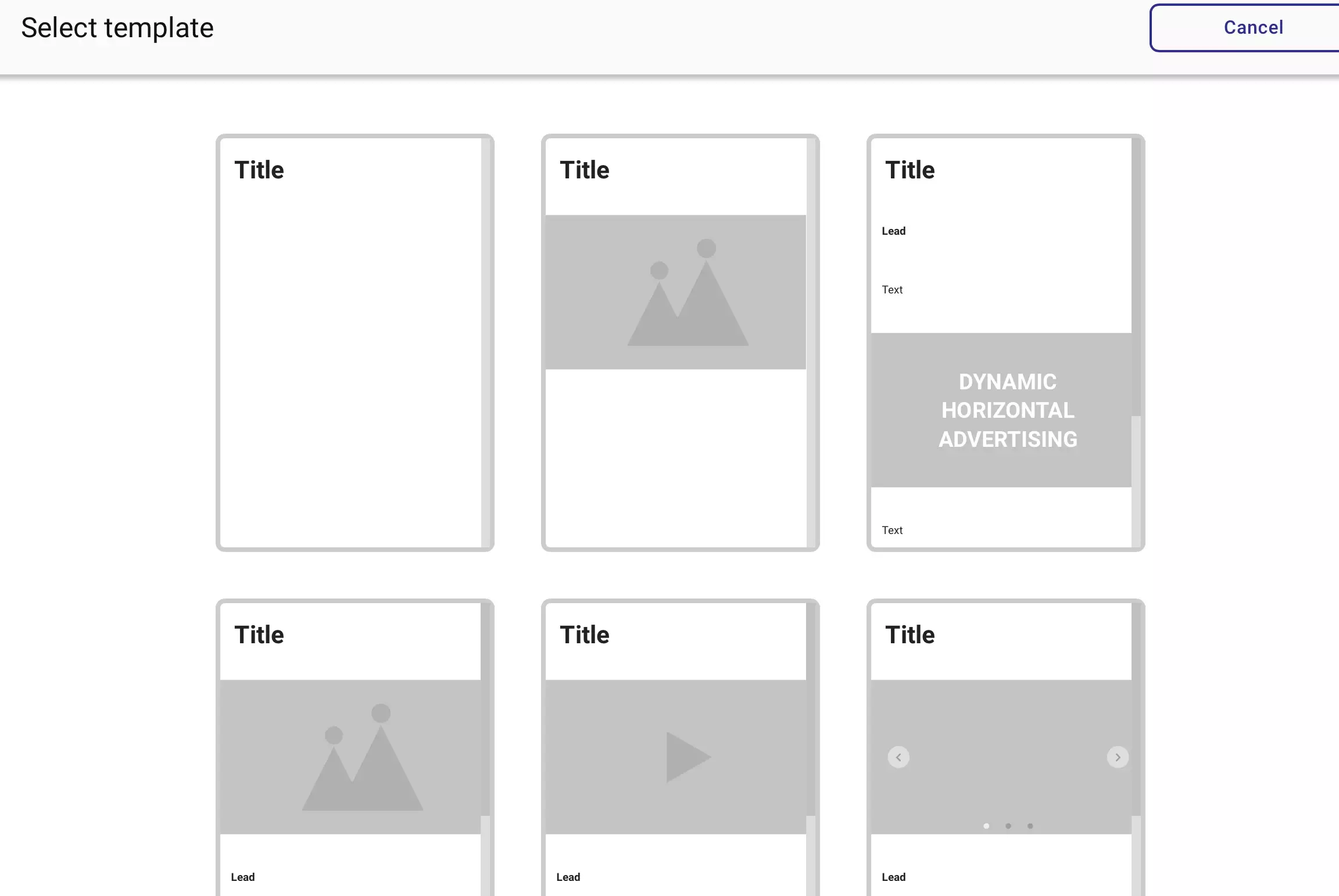
Enter the name of the page. Opens template options for filling pages.
You may use built-in TEMPLATES or fill in and rearrange modules in any order you wish.
Include keywords in articles, keywords are used by search engines to determine the subject matter and relevance of content.
Periodically change keywords, and fill the page with new content, this will lead to more site traffic. A keyword consists of a word or phrase related to the content of the article. MyTV.global website builder has internal SEO site optimization, which will help your website rise to the top positions.
Enjoy your creativity.
How to make your website structure
Don’t do a one-page website if you want to monetize it. When you need a landing page use Landing Page Builder.
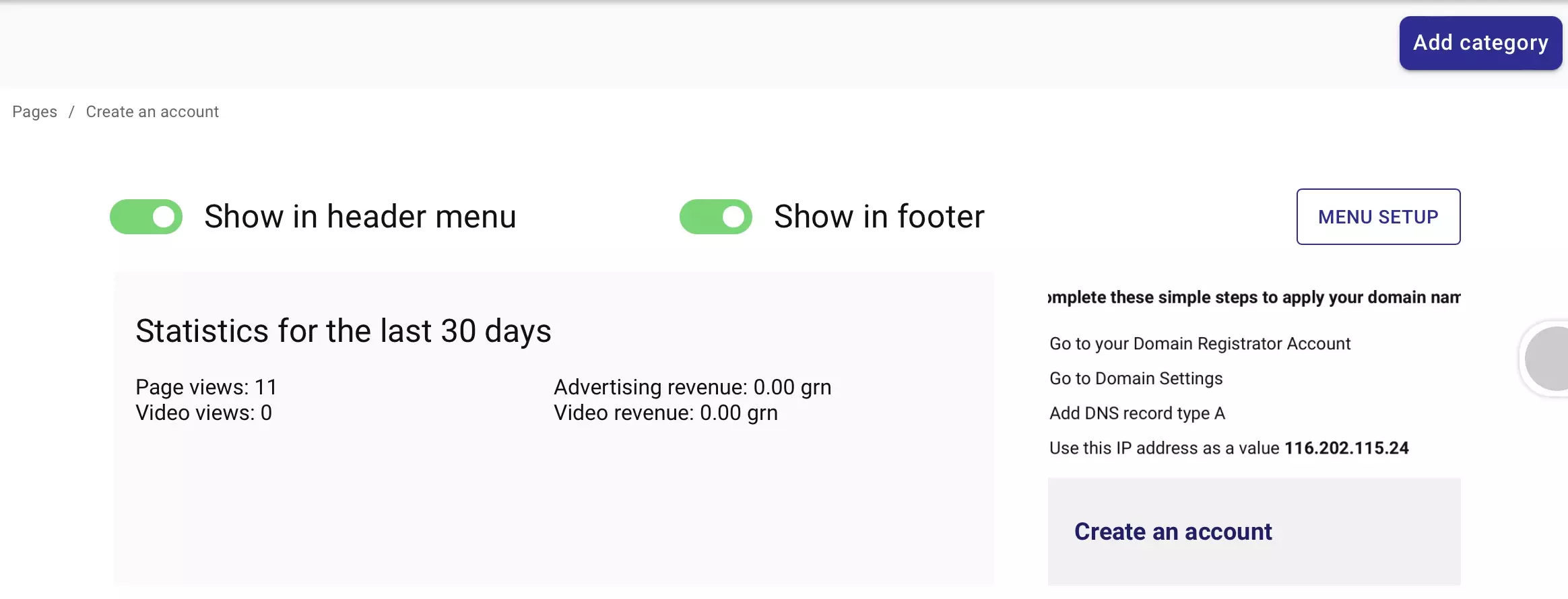
MyTV.global website builder allows easily create of the MAIN MENU and FOOTER
choose any of the built-in:
news
shows
special projects
online broadcasting
or make any point from the free category (default)
and turn on SHOW IN TOP MENU or FOOTER of the site page.
You may switch it on and off at any point of the menu in the ADMINISTRATE panel.
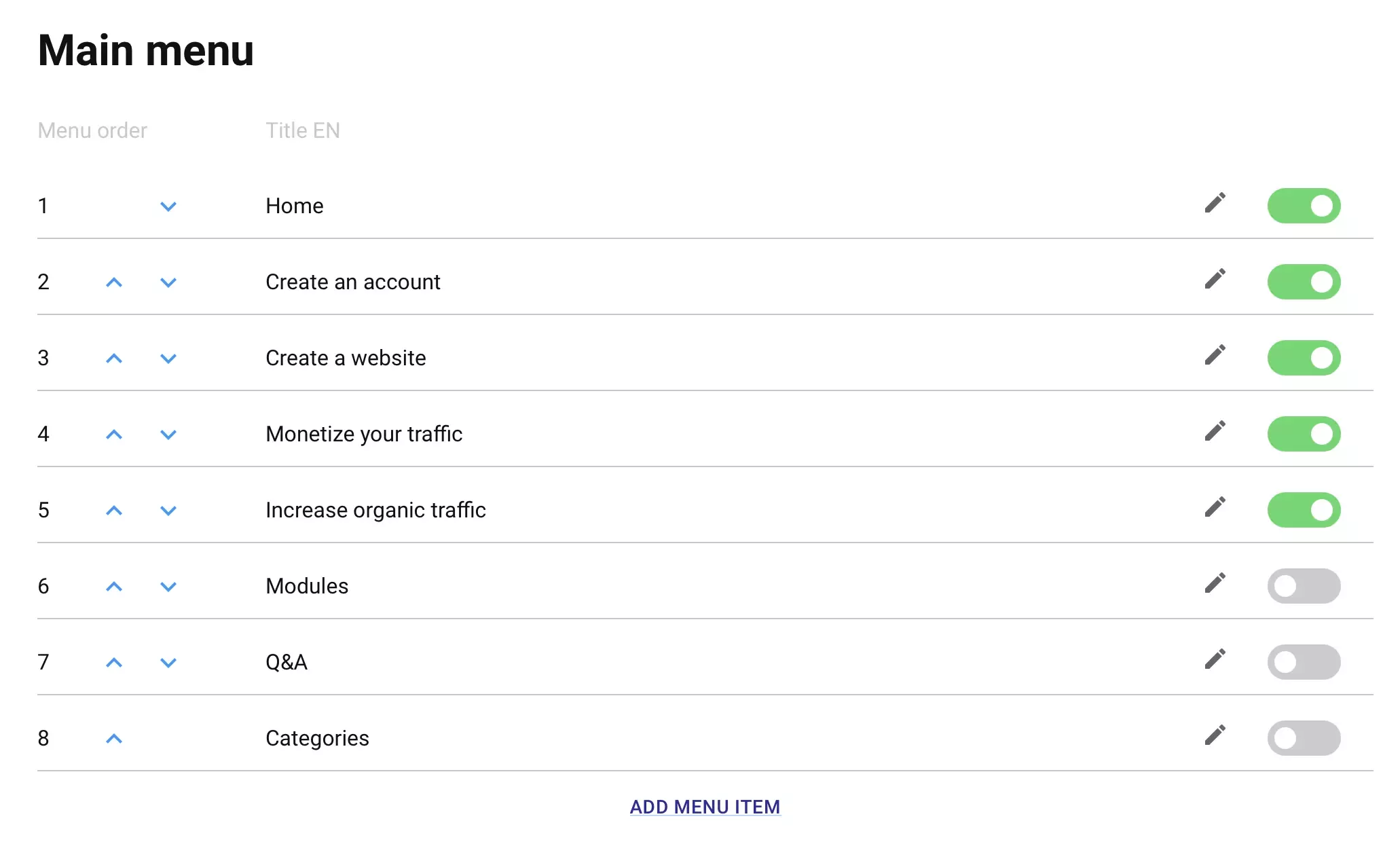

When you choose points for the main menu, you may duplicate them in the footer.
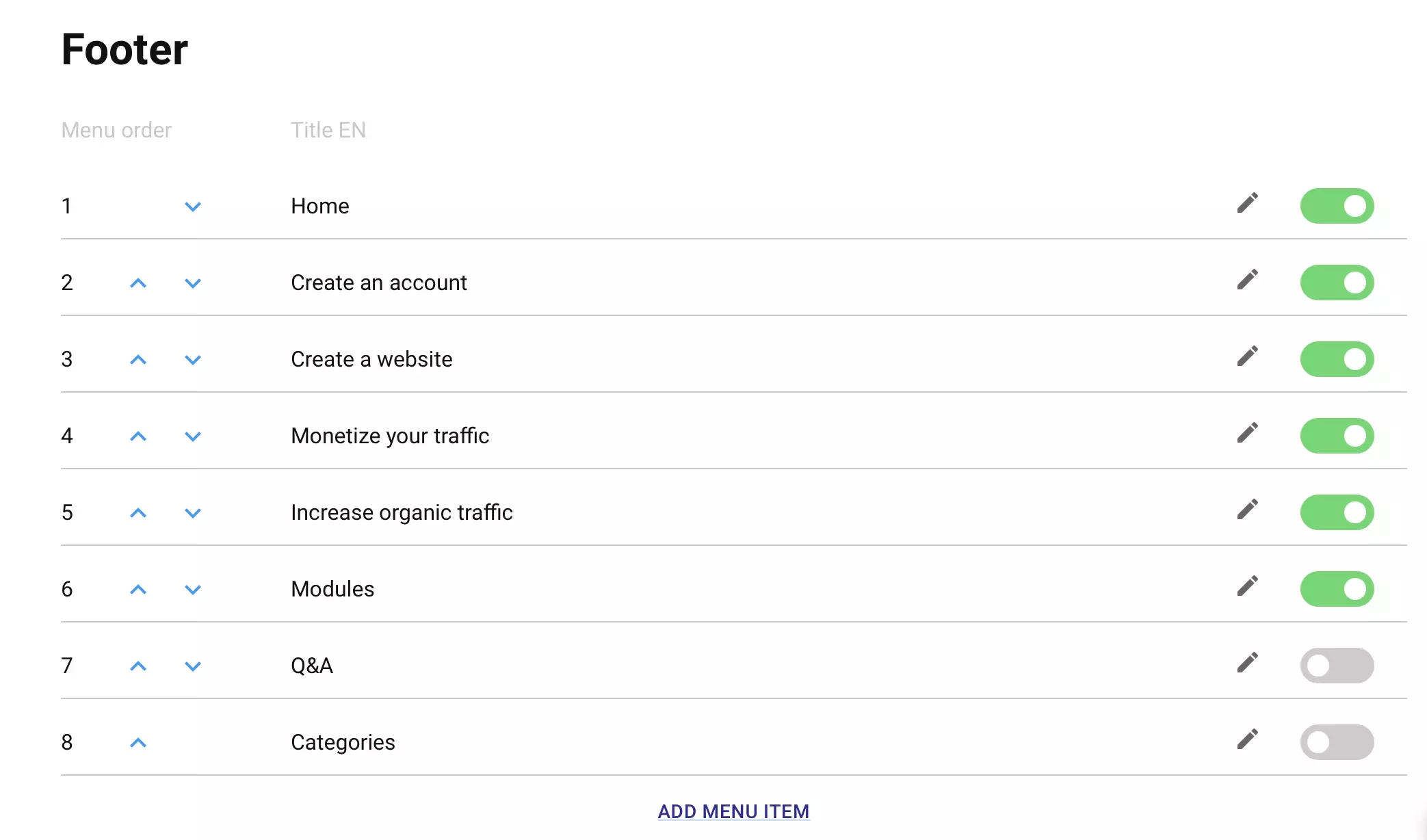
We want to say about the footer importance for any website.
Special fields for contacts and social networks that automatically appear in the footer to communicate quickly. Clients can immediately use the data from the footer.
If the user has reached the bottom of the page, then he was interested. You need to try to translate interest into a targeted action, and feedback. To do this, feedback contacts are placed in the footer.
How to add contacts to MyTV.global website builder.
Go to the ADMINISTRATE panel and feel the necessary fields in the WEBSITE chapter.
- contacts, address, phone number, social pages, e-mail.
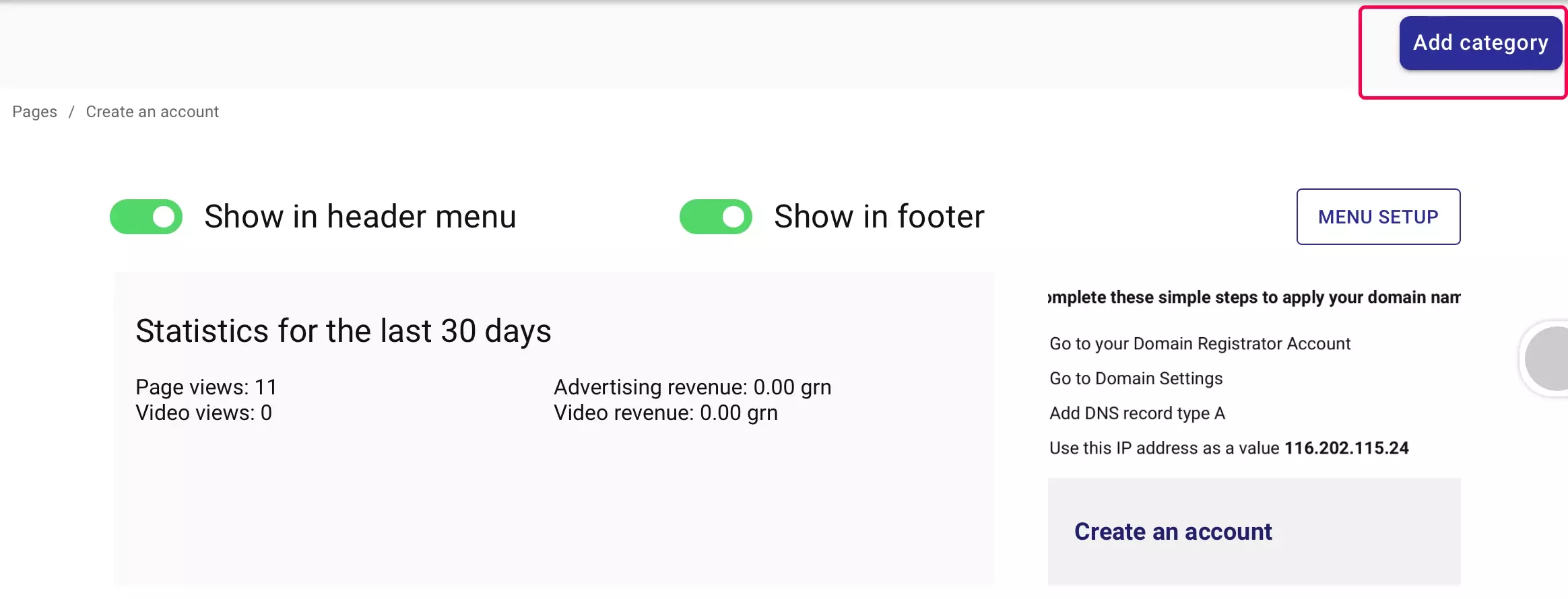
Easily create CHILD LEVELS for each menu category
MyTV.global website builder has the 2 child levels for news, shows, and special projects categories
AND unlimited levels for free category (default)
So when you have a NEWS category, you may build news type subcategories: sport, business, health...
And then publish news releases.
How to fill your website with content? It's very easy in the MyTV.global website builder. Add any Lego look-alike MODULES to your pages. Fill, rearrange, and enjoy.
+ Title - title of the page
+ Subtitle - title of an article, news, or press release
+ Lead - the main message of the article, news, or press release
+ Text
- interesting, informative, unique content,
- the topic of the text should correspond to its title,
- the presence of keywords
+ Button - we write a short text on the button and a link where the button leads
+ Two buttons - for quick filling, two buttons open at once, where we write the text and a link to the page where the button leads
+ Slider - upload images that will be scrolled independently, on each slide or selectively you can specify the name of the slide, and the text of the slide. There is also a built-in button where we enter the text on the button and the link where the button leads.
+ Image - upload image maximum file size 10MB.
+ Video - download video file size should not exceed 500MB.
Blocks of the website pages:
+ Main news - this block displays content in the form of four slides. You decide where to get it from.
+ Popular video - this block displays a video according to the specified parameters. You decide where to get it from.
+ Material - select the page you want to display.
+ Shows - this block displays content in the form of four slides. You decide where to get it from.
+ News - this block displays content in the form of four slides. You decide where to get it from.
+ Special projects - this block displays content in the form of four slides. You decide where to get it from.
+ Materials block - This block displays content in the form of four slides. You decide where to get it from.
+ Pages block - this block displays all pages of the selected category. Select a category.
+ Stream - add a link to the audio stream.
+ Embed - you may embed any widget, video, presentation, or document using the embed code.
+ Banner - automatically loading of advertising.
+ Catfish - automatically loading of reach media advertising.
+ vCommerce - automatically loading video commerce content.
Enable the built-in subscription form (in the ADMINISTRATE panel, select NEWSLETTER, and enable the newsletter subscription form.)
Subscribing is an integral part of your marketing strategy. If site visitors subscribe to updates, they will return to your website again and again. They will receive email notifications every time you post a new post.
Share:


